Wählen Sie Ihren Standort:

Standort

iiQWorks Video Tutorials

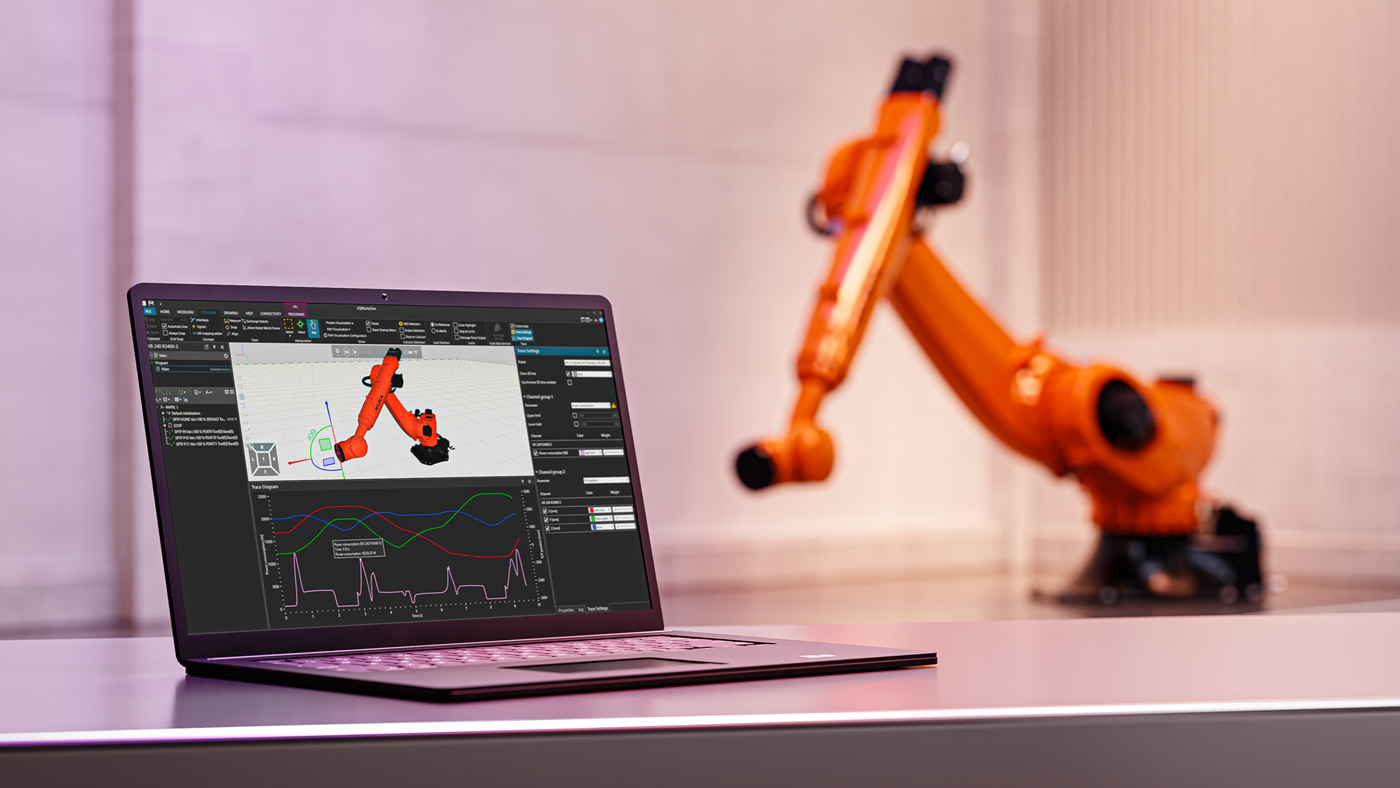
Whether you're just getting started or looking to deepen your knowledge, our video tutorials will walk you through every step of the iiQWorks.Sim workflow — from installation and licensing to simulation, configuration, and deployment. Learn how to use the digital twin, configure fieldbus systems, and validate your robot programs with ease.
Why learn with iiQWorks tutorials?

  • Step-by-step guidance from KUKA experts
  • Real-world examples and use cases
  • Covers both basic and advanced features
  • Learn at your own pace, anytime

Master iiQWorks with Guided Video Tutorials

Download, installation, licensing (5 videos)

Learn how to download, install and license your simulation software iiQWorks.Sim from my.KUKA. Find further explanations to various questions around iiQWorks licensing in our FAQ - iiQWorks.SIM.

Getting Started with iiQWorks: How to Download the Software from my.KUKA

Installing iiQWorks.Sim: A Complete Step‑by‑Step Guide

How to Install iiQWorks.Cockpit: Step‑by‑Step Tutorial

Install iiQKA.OS2 and KUKA.DeviceManager: Complete Setup Guide via iiQWorks.Cockpit

Licensing iiQWorks.Sim: my.KUKA Login and Product Key Explained

iiQWorks.Sim overview (3 videos)

Learn more about the user interface and guided workflows.

How to Download and Use Guided Workflows in iiQWorks.Sim

Exploring the File Tab in iiQWorks.Sim: Licenses, Settings, and Options

Getting Started with the iiQWorks.Sim Interface: Navigation & Essential Tools

iiQWorks.Cockpit instance handling (3 videos)

Learn more about handling instances and the Single Point of Control (SPoC).

Exploring iiQWorks.Cockpit: Connect, Manage, and Prepare Your Robot Simulation

How to Request and Grant SPoC Access from the smartPAD to iiQWorks.Cockpit

How to Safely Duplicate a Robot Instance in iiQWorks.Cockpit

iiQWorks.Sim first commissioning process (12 videos)

Learn more about the parts of a whole commissioning process in iiQWorks.Sim

How to start and load a robot instance in iiQWorks.Sim

Set up tool parameters including type, load, and transformation

Configure base data: Create and align base frames within the simulation

Adjust machine parameters, limits, home positions, and advanced settings

Configuration proposal: Generate and review automated drive configuration suggestions

Define, rename, size, and manage workspace safety zones

Set up fieldbus communication and add I/O hardware

Configure Extension Moduls: Import and integrate additional EtherCAT or I/O devices

Map digital inputs and outputs between robot and fieldbus devices

Transfer configurations from iiQWorks.Sim to the robot controller

Start and operate the configured instance via Cockpit and KUKA smartPAD

Roundload: Retrieve robot instances, update OLP data, and deploy to the virtual controller

Do you need a simulation?

Whether you're looking for detailed cycle time analysis, reachability checks, or energy consumption measurements, our simulation experts are here to help. Simply send us a request. 

How did you like the videos?

Your opinion is very important to us! Help us improve the tutorials.

Please take a moment to complete the following survey so we can better meet your expectations in future videos.
