From theory to practice: Understanding robotics step by step
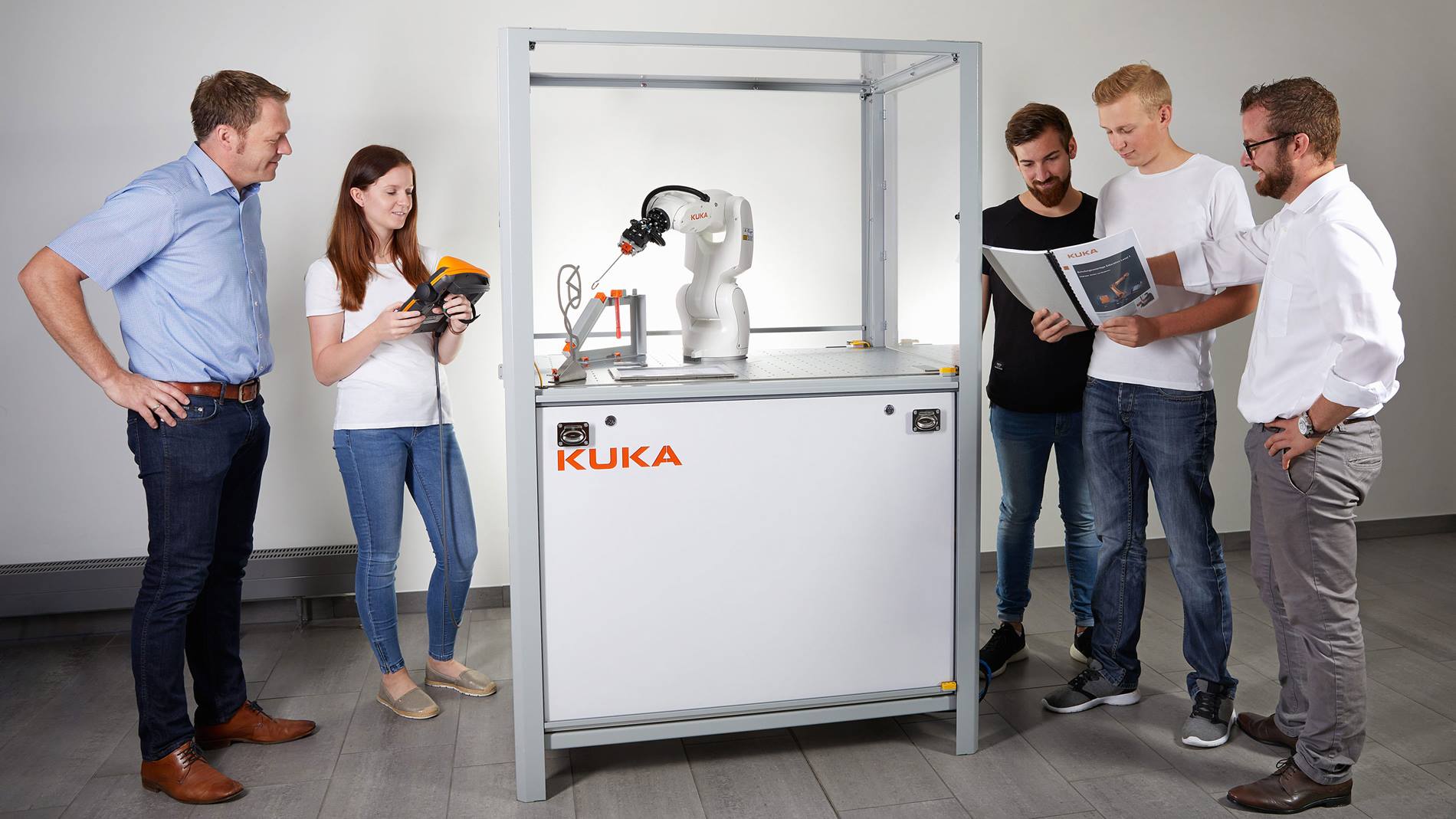
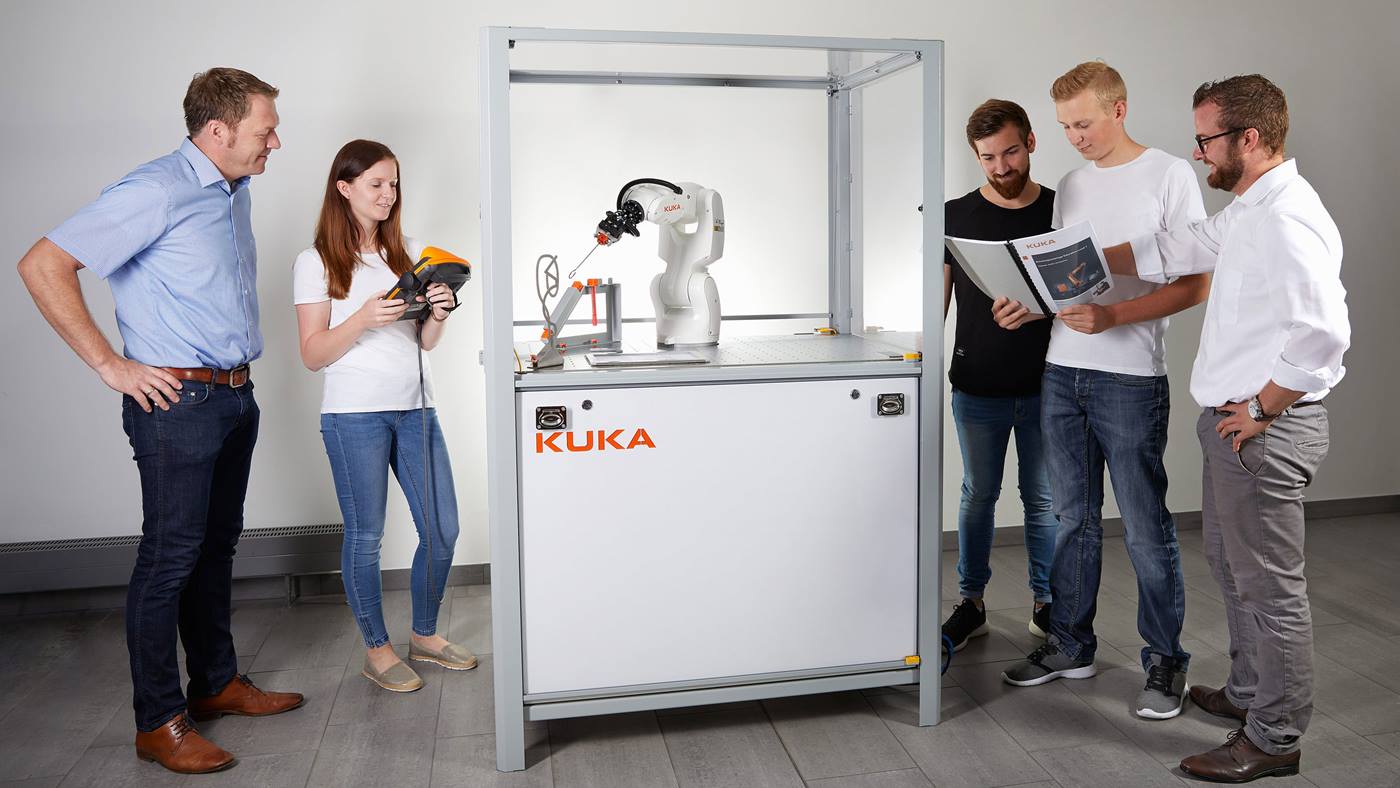
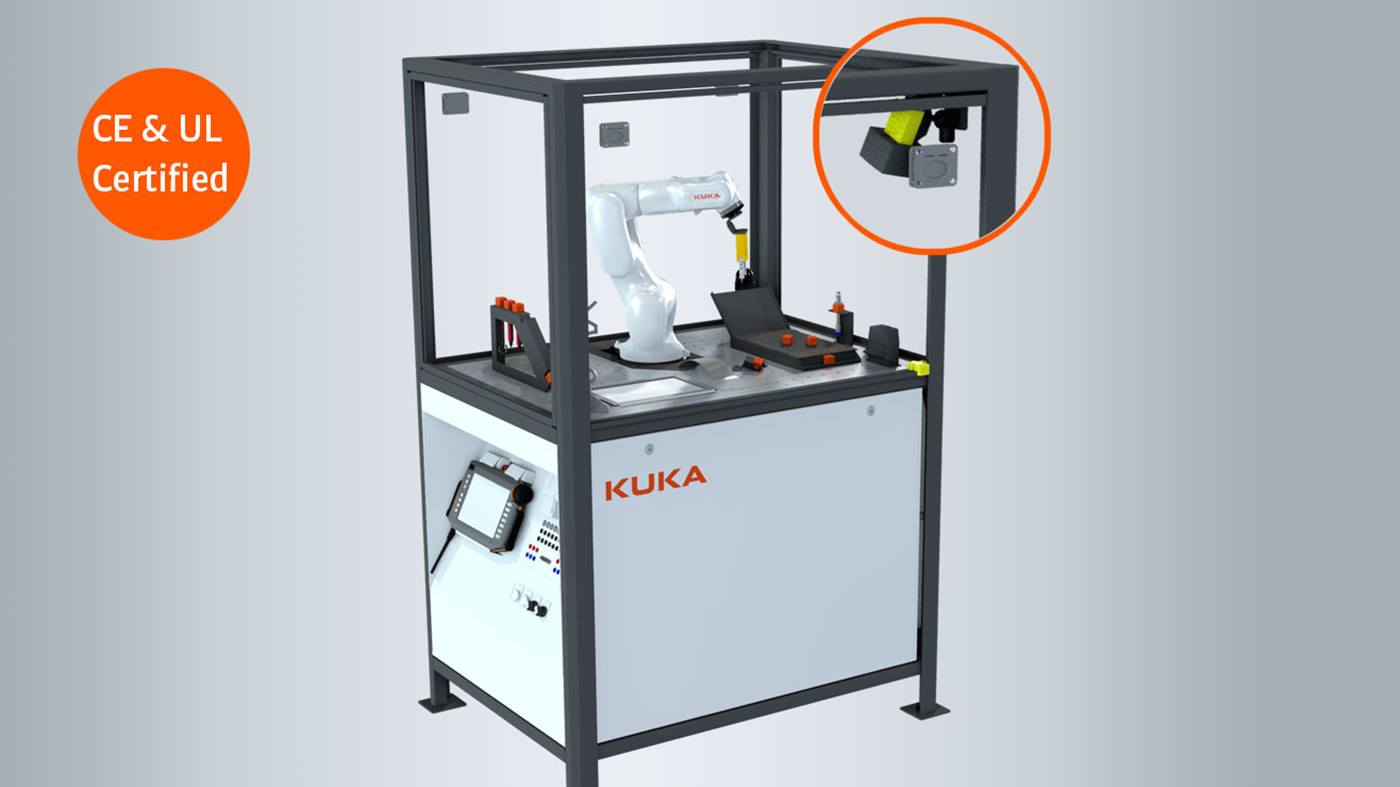
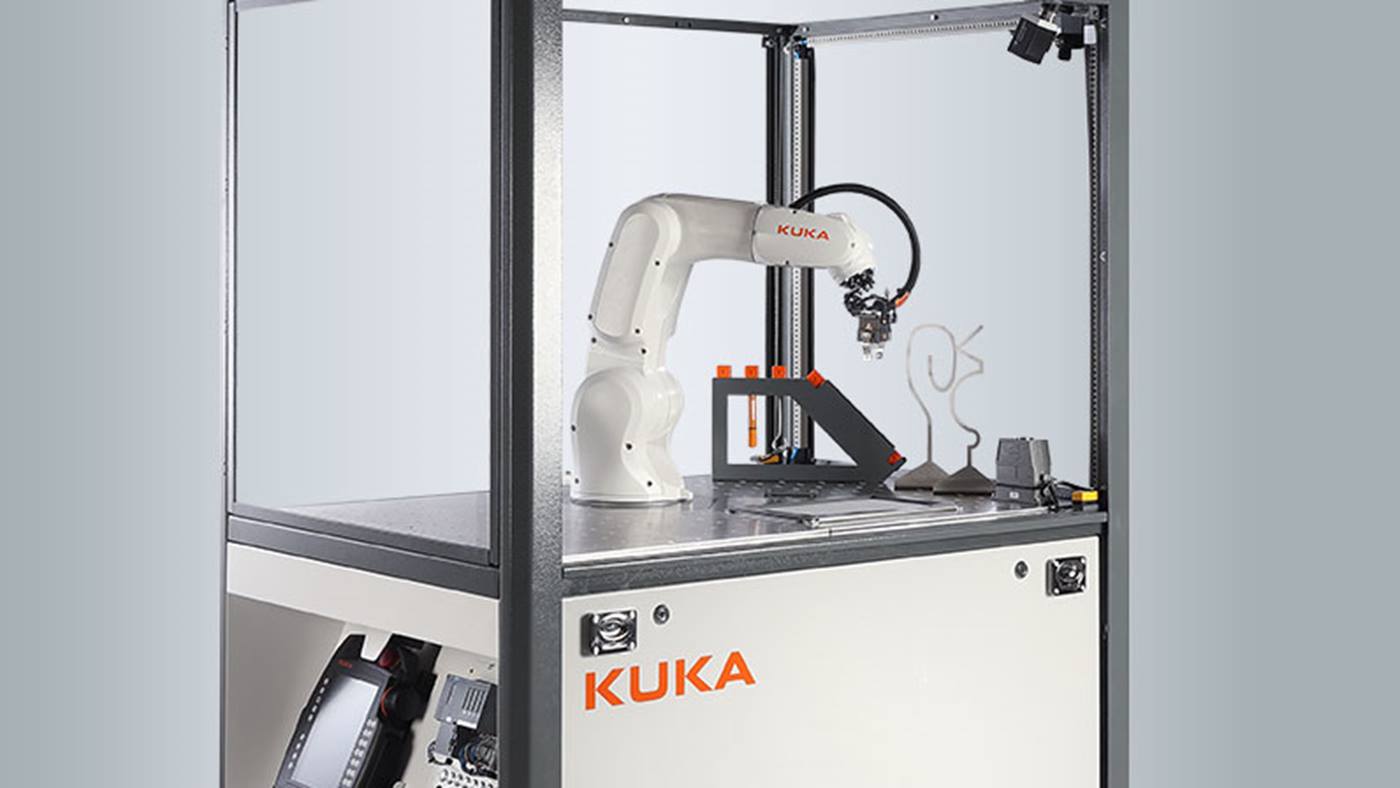
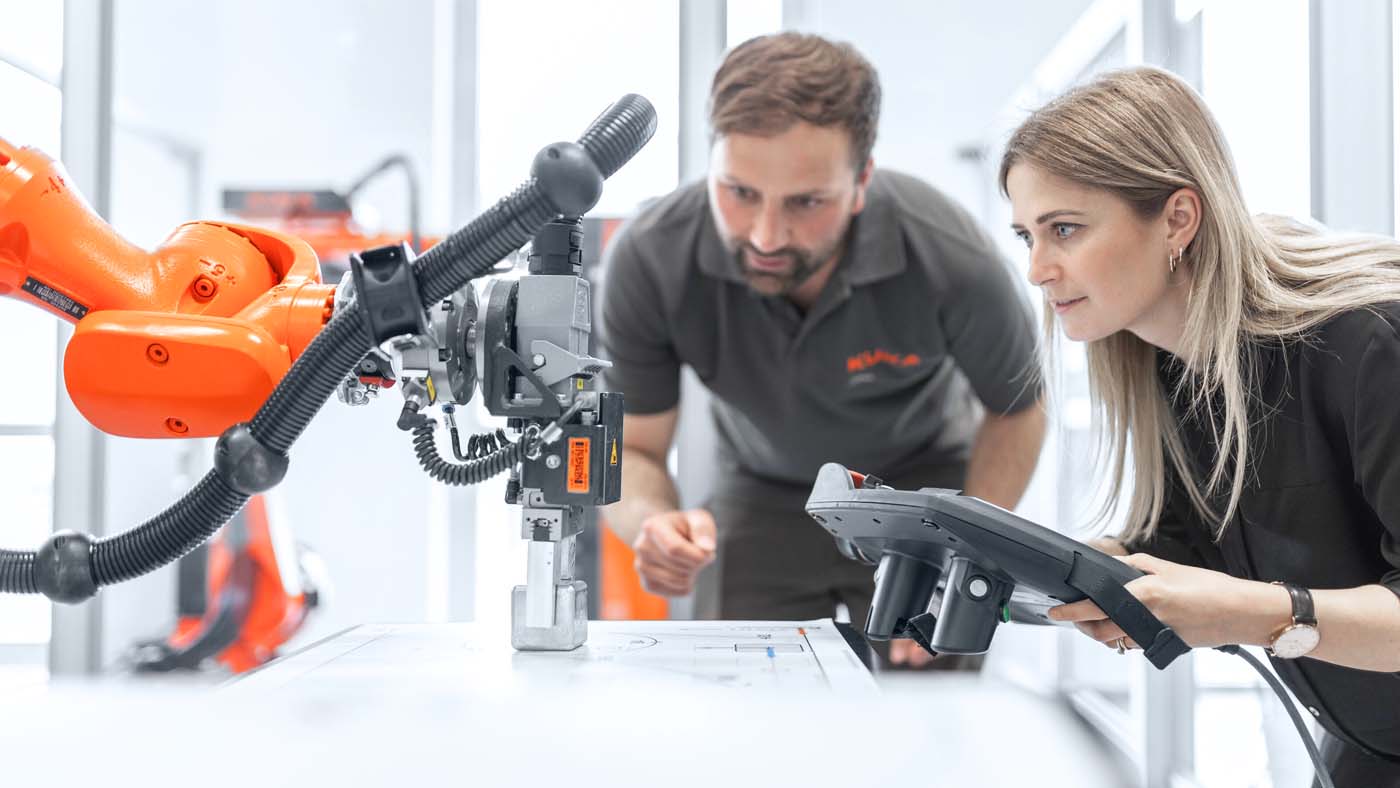
KUKA Education brings robotics to life for colleges, universities, and training companies. Our mobile training cells supplement theoretical training with practical exercises on industrial robots in a safe environment—including CE labeling and UL certification— and enable an efficient introduction to modern industrial applications.
The robotics cells can be used independently, are ready for immediate use, and can be flexibly expanded. For individual requirements, KUKA supplies additional components, software, training, and comprehensive support –
ideal for integration into existing learning systems or retrofit solutions.
Students learn the basics of robotics step by step – from simple stacking to complex path programs and logic controls.
Design your training cell to suit your needs
KUKA training cells impress with their modular design and flexible configuration options. They can be adapted to individual requirements and create optimal learning conditions – supported by specially developed application packages.
Individual configuration of training cells
Choose from a range of configuration options and tailor the training cell to your specific requirements. Optional equipment for both cells is available at an additional cost.
| Options per training cell
|
Standard configuration
|
Configuration with integrated image processing
(vision prepared) |
| Application package per |
✔ |
✔ |
| PLC application package |
✔ |
✔ |
| Vision application package |
Not compatible |
✔ |
| Option Drives Ready lamp UL |
✔ |
✔ |
| Option Load distribution plate |
✔ |
✔ |
| Option Shaft table |
✔ |
✔ |
| Option SmartPad cable reel |
✔ |
✔ |
| Media interface (HAN Modular) |
✔ |
✔ |
Efficient start: Simulation for your training cell
Use the simulation software to plan, test, and optimize your training cell virtually before you move on to the real application.
Create robot programs on your PC and transfer them seamlessly to the real robot. This allows you to identify errors early on, make processes more efficient, and teach training content in a practical way. This saves time, reduces costs, and ensures a smooth transition to automation.
- KUKA.Sim: Simulation software for users of the System Software (KSS) operating system.
- iiQWorks.Sim: Simulation tool for users of the iiQKA.OS2 operating system. iiQWorks.Sim Education License for institutions is available at a reduced price.